
iRacing Competition Guide: Race Smarter, Finish Clean
Use this iRacing competition guide to understand ratings, choose races, practice smarter, and master Gen 3 Supercar starts, braking, and tire management.
Jump to
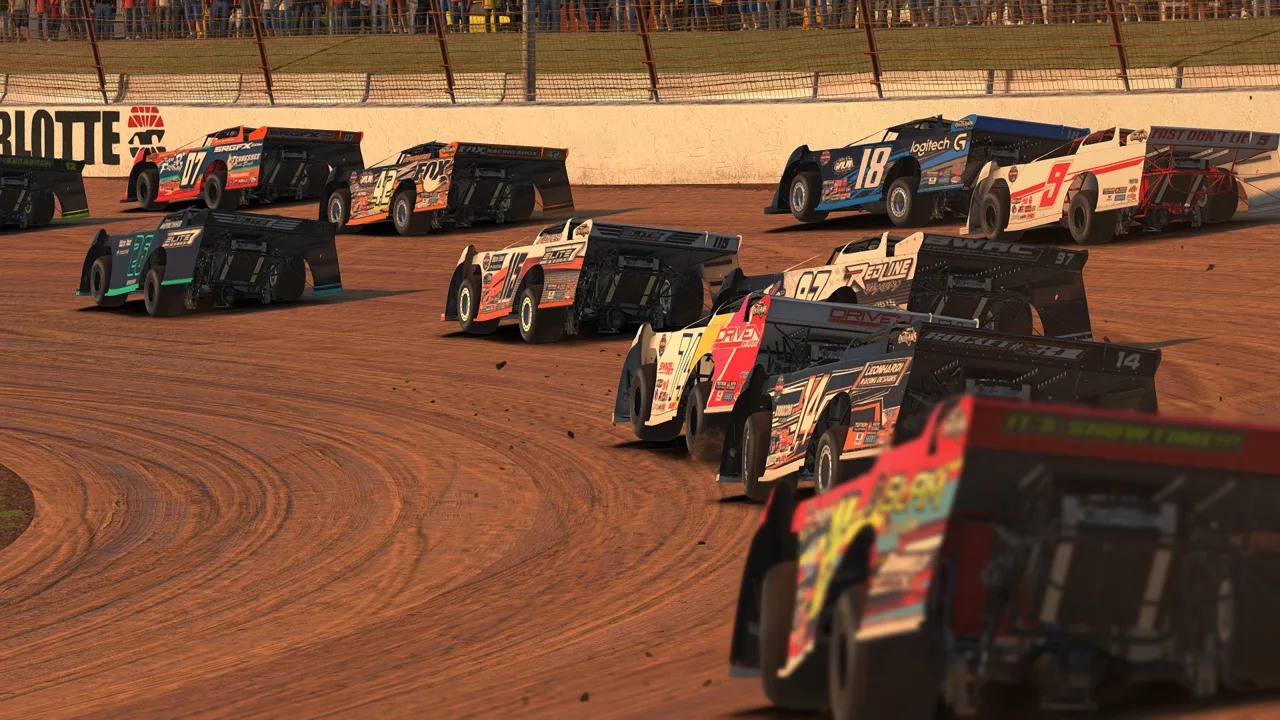
How to Start Competing in iRacing
A fast qualifying lap can unravel before the opening corner is over. This iRacing competition guide walks you through choosing events, understanding ratings, and developing the car control that keeps you competitive through the finish. Start with a series you can drive consistently, then build the skills to fight for positions without throwing away your race.
Scheduled official races are the core of multiplayer competition. Open Go Racing → Series List, select a series, and review its license requirements, car, track, schedule, and race format before registering.
To enter an upcoming race:
- Open the series and review its available sessions.
- Register for the upcoming race.
- Join the associated Open Practice if you want to warm up.
- When the race session becomes available, leave your practice car and use the Join prompt to enter.
Registration for practice does not put you on the race grid. Make sure you transition into the race session when it opens.
Choose a series before buying content
Your membership includes content for Rookie racing. Additional cars and tracks are separate purchases, so review the season schedule before expanding your garage.
Stay with included content while learning traffic, braking references, and race procedures. When you choose another series, buy the content needed for the events you actually intend to enter. A higher license gives you access to additional series.
Official page: iRacing (iracing.com)
Understand Safety Rating, iRating, and License Progression
Three systems shape your competitive experience: Safety Rating, iRating, and your license’s Minimum Participation Requirement.
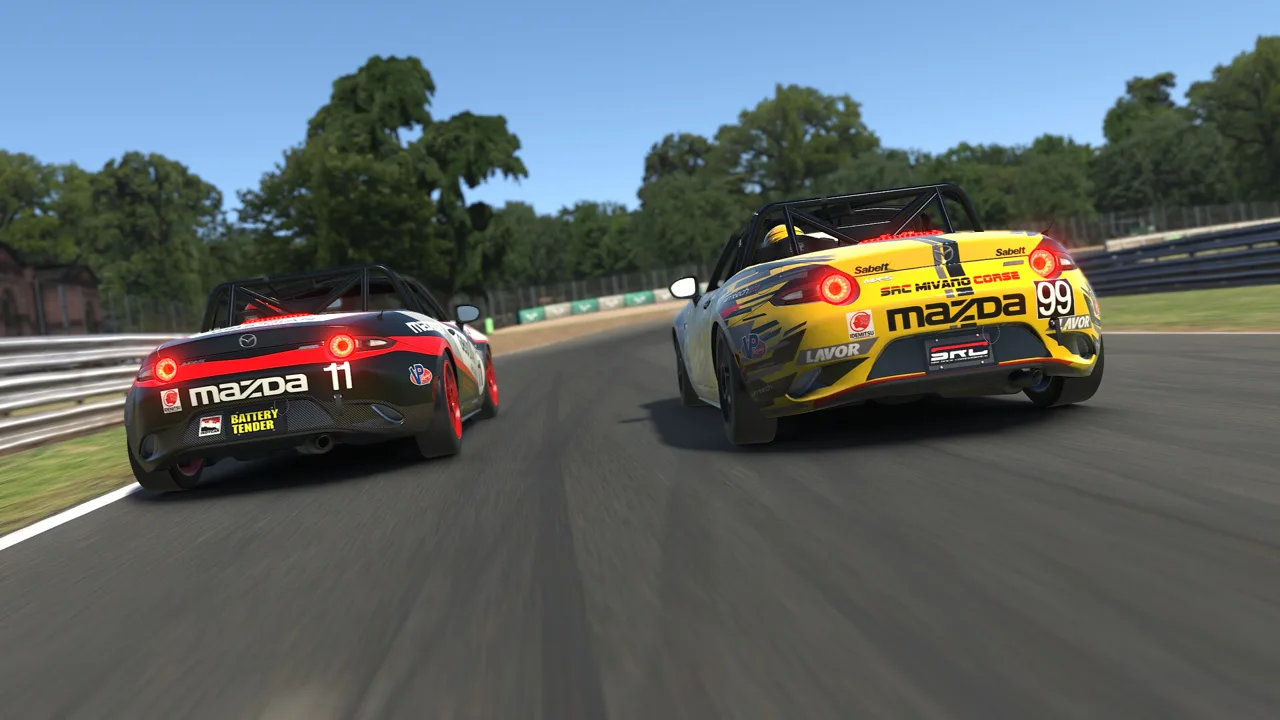 Image: Steam / iRacing.com Motorsport Simulations
| System | What it measures or controls | Where to focus |
|---|---|---|
| Safety Rating, or SR | Safe driving | Reduce off-tracks, spins, and contact |
| iRating | Competitive performance used for matchmaking | Improve finishing results |
| Minimum Participation Requirement, or MPR | Participation required for license promotion | Enter eligible events shown for your license |
| License class | Eligibility for different series | Review the requirements of your target series |
Safety Rating and iRating measure different things. A clean race can help your safety record even when your finishing position disappoints. A strong finish with repeated incidents can create the opposite problem.
Sports Car and Formula have separate license ladders following the 2024 Season 2 split of the former Road license. Review the license attached to your intended series when planning progression.
Use the Meets MPR series filter to find eligible competition, and follow the promotion requirements displayed for that license.
How race splits work
When registrations exceed a race’s capacity, iRacing creates multiple races called splits. Drivers are grouped using iRating, which helps put competitors of similar ability together.
Check participation when choosing less populated series or time slots.
Keep the same standards for passing, rejoining, and respecting other drivers.
Practice the Skills Your Next Race Requires
Use each practice mode for a specific job. Repeating solo laps helps with car control, while traffic practice prepares you for the compromises that happen during a race.
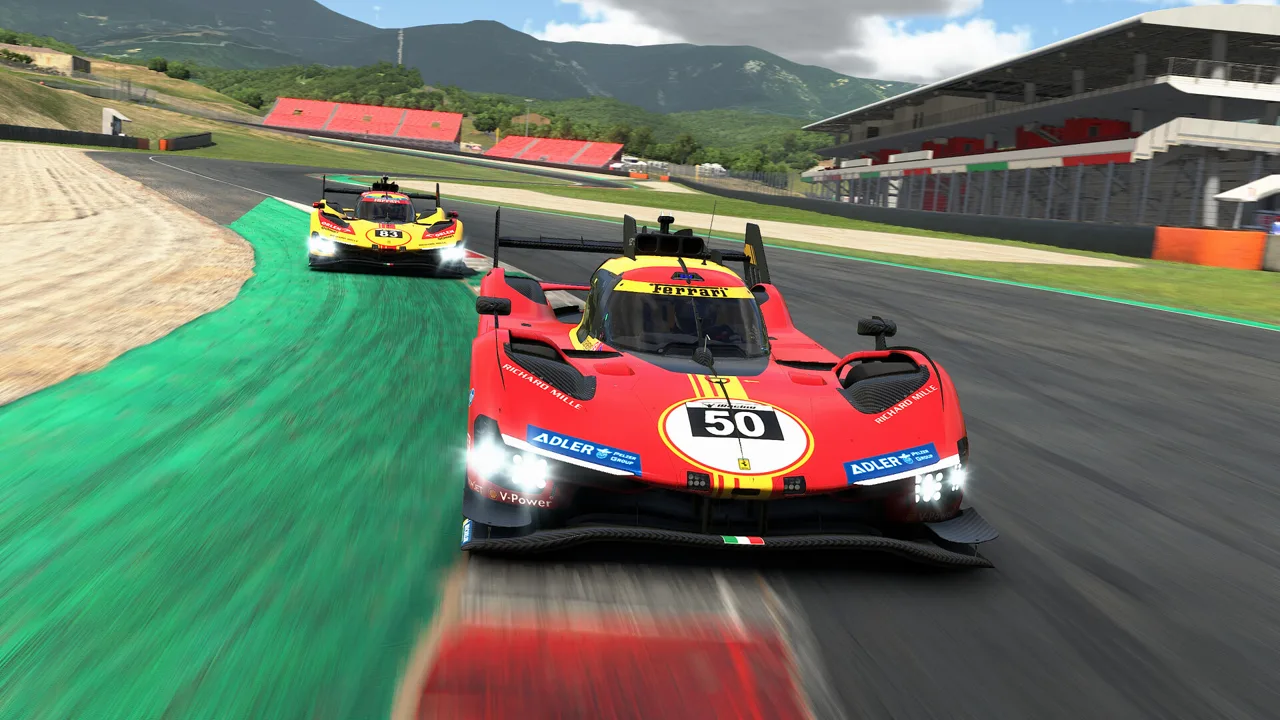 Image: Steam / iRacing.com Motorsport Simulations
| Mode | Ratings affected | What you can practice |
|---|---|---|
| Test Drive | None | Controls, track learning, and setup changes |
| Spectating and Ghost Racing | None | Following real race traffic without contact |
| AI Racing | None | Starts, passing, and driving alongside opponents |
| Time Trials | Safety Rating and ttRating | Safe driving |
Learn the track in Test Drive
Use Test Drive to learn how your car handles on the circuit. Use this session to calibrate controls and establish repeatable braking points.
Use the delta to study individual corners, especially where an aggressive entry costs time all the way down the next straight.
Practice with fuel and conditions that resemble your intended race. Since the September 2026 update, launching a solo session from an Official Session can also carry that event’s Balance of Performance into Test Drive.
Use Ghost Racing to study traffic
Open Go Racing → Spectate Sessions, select an eligible session, and join as a spectator. Once loaded, click Test Drive to drive a ghost car.
You can see the competitors and experience aerodynamic effects, but they cannot see or collide with you. Follow their braking and acceleration patterns to learn how traffic changes a lap.
Leave room for the cars around you during the exercise. Ghosting through an opponent teaches little about whether a passing opportunity would work in a real race.
Use Time Trials for clean repetition
Use Time Trials to practice safe driving and work toward license progression. Time Trials affect Safety Rating and ttRating.
For traffic drills, use AI Racing with supported cars and tracks. Practice starting in a pack, taking an alternate cornering line, and completing a pass while leaving space.
Race Cleanly Through Starts, Passes, and Mistakes
Your normal solo braking point assumes an unobstructed corner. In traffic, cars ahead can slow earlier, occupy the apex, or leave you with a tighter exit.
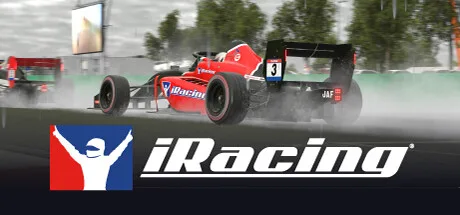 Image: Steam / iRacing.com Motorsport Simulations
Approach the opening braking zones with room to react. Watch beyond the car directly ahead, and adjust your speed before a small slowdown becomes an emergency stop.
Build a pass around the exit
Prepare overtakes before the braking zone. A controlled corner exit can put you alongside on the straight and reduce how much you need to gain under braking.
When attempting a pass:
- Keep the car stable enough to hold your intended line.
- Leave space for an opponent who remains alongside.
- Adjust your braking for the tighter radius of an inside line.
- Back out when completing the move would require contact.
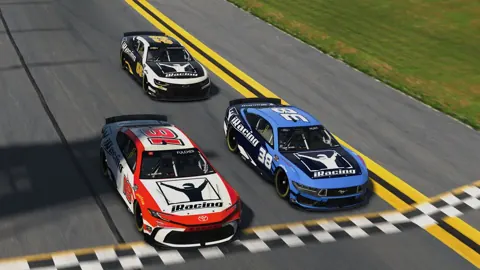
Gen 3 Supercars can produce close, physical racing, but their sturdy construction does not make avoidable contact a passing technique. Practice controlling the car alongside opponents in AI sessions where the combination is supported.
Recover without compounding the mistake
After a slide or off-track, assess approaching traffic before rejoining. Use your relative display, mirrors, and spotter to understand where other cars are.
If contact leaves the car handling differently, assess the damage before trying to resume your previous pace. A compromised car can turn an ordinary braking zone into another incident.
Read the Sporting Code, along with any series-specific regulations. Start procedures, incident limits, and event rules deserve the same preparation as the racing line.
Master Gen 3 Supercar Starts and Downshifts
Gen 3 Supercars make input control especially important. These front-engine, rear-wheel-drive cars produce approximately 650 horsepower, weigh about 1,350 kilograms, and use a six-speed sequential transmission with no ABS or traction control.
Their locked differential connects the behavior of the rear wheels. Poorly timed downshifts and abrupt throttle applications can quickly upset the car.
Practice the standing start
Map the handbrake control used as the line locker before practicing launches.
- Start the engine and engage the line locker.
- Fully depress the clutch and select a gear.
- Add throttle, then bring the clutch toward its engagement point.
- Balance the pedals as the drivetrain begins to load.
- Release the line locker at the start.
- Feed out the clutch while progressively adding throttle.
Aim for controlled acceleration with limited wheelspin. Excessive revs and abrupt clutch engagement can spin the tires; insufficient revs can leave the engine struggling or stall it.
Adjust the overlap between clutch and throttle for gearing, grip, and your grid position. Practice repeatable launches under the conditions you expect to race.
Keep downshifts smooth
Upshifts use an ignition cut, allowing you to keep the throttle open while selecting the next gear. Follow the car’s shift lights.
Downshifts require more care. Rev-match with a throttle blip to reduce rear-wheel hop and keep the car settled under braking. Space the shifts so road speed drops sufficiently before each lower gear engages.
Rushing down through the gearbox can cause compression locking, wheel hop, and engine damage. If the rear becomes unstable despite blipping, work on the timing and duration of each blip before changing the setup.
Left-foot braking is a practical starting point. Heel-and-toe with clutch use is another option, but rolling the right foot between brake and throttle makes steady brake pressure harder to maintain.
Control Supercar Rotation and Protect the Rear Tires
The Gen 3 Supercar rewards a deliberate transition from braking to rotation to acceleration. Trying to rush any one of those phases often compromises the next.
Build brake pressure smoothly
Without ABS, an abrupt pedal hit can lock a tire. Apply the brakes promptly but smoothly, allowing the front suspension to load before reaching peak pressure.
Trail braking helps keep load on the front tires as you turn. In slower corners, extending that brake release can help the locked-differential car rotate.
Practice the release as carefully as the initial application. Coming off the brake suddenly changes the balance just as you ask the front tires to steer.
Add throttle as you unwind the steering
On exit, throttle can make the car push wide or break rear traction. Increase it progressively while reducing steering lock, and use small corrections to manage the car’s balance.
Reaching full throttle is useful when the tires can transmit the power. Some short corner exits require restraint all the way to the next braking zone.
Watch for this sequence:
- Wheelspin heats the rear tires.
- Reduced rear grip makes the next entry harder to control.
- Another slide adds more heat.
- The following exit becomes even less forgiving.
After overheating the rears, reduce the demands on them. Give up some immediate acceleration to regain control over the following corners.
Make setup changes answer a specific problem
Begin with an iRacing setup for the car and circuit. Change one setting at a time and compare how the car behaves through a longer run.
Brake bias is a useful adjustment to understand early. Moving it rearward can encourage rotation, while moving it forward can help address rear locking. Keep enough stability to repeat your braking in traffic.
For Gen 3 experimentation, reduced rear droop travel can help entry rotation by making the inside rear easier to unload, but it can also make the car nervous. Test that change only after your braking and downshift technique become consistent.
Compare setups at race fuel loads. Judge the result by repeatable laps, braking stability, and tire behavior across the run.
Use the Current Race Tools and Procedures
The 2026 updates added useful tools for preparation and race management. Configure them before entering competition so you can read the information without searching through menus while driving.
- September 9, 2026: The Season 4 release introduced Reference Car inputs for solo sessions, the Pit Summary widget, and Minimal UI mode.
- October 5, 2026: The Season 4 Patch 1 announcement expanded the Car Damage widget to all cars.
- November 3, 2026: The Season 4 Patch 2 announcement increased the hold timer for drivers starting from pit lane at all tracks.
Use Reference Car inputs to compare braking and throttle timing in solo practice. Keep your attention on a specific corner or input transition instead of trying to copy an entire lap at once.
For races with pit stops, check the Fuel Calculator and Pit Summary displays during preparation. Practice pit entry, stopping in the box, and confirming the services you intend to take.
Starting from pit lane includes a race-control hold. Follow the release instructions and account for that delay when deciding how to start an event.
Check the event’s start rules
Multiple pace car multiclass starts remained under rollout assessment in the November 3 update. Follow the procedures enabled for your particular event and read its Track Rules information.
Watch the pacing display and listen to the spotter. Follow Form up, Maintain Speed, and other race-control instructions as they appear.
Prepare for Leagues and Team Racing
League racing gives you a recurring field and a dedicated championship structure. Review registration requirements, race times, setup rules, repair allowances, and stewarding procedures before committing.
Race regularly with the same group to learn how its drivers approach starts, defend positions, and manage traffic. Use that familiarity to anticipate their decisions while continuing to leave racing room.
Team events add shared responsibilities beyond driving. iRacing supports driver changes, spotting, and pit crew duties in races lasting up to 24 hours.
Before entering an endurance event:
- Confirm that each driver is correctly registered.
- Review the event’s driver participation requirements.
- Practice driver swaps and pit services.
- Assign spotting and pit management responsibilities.
- Test the car over a representative stint.
Use the team registration interface to review who is entered and what each person is signed up for. Settle the operational details before race day so the team can focus on traffic, fuel, and bringing the car through each stint.
Continue with
 iRacing iRating Explained: How to Gain Rating FasterLearn how iRacing iRating works, what changes your score, how it differs from Safety Rating, and how to improve your race results with consistent driving.
More in Competition
See all Competition
Continue exploring
Join the community
Official channels for news, updates and player help: