
iRacing Black Friday 2026: Deals, Prices, and Codes
Save with iRacing Black Friday 2026 deals: compare new membership and renewal prices, get promo codes, and learn how to redeem before December 2, 2026.
Jump to
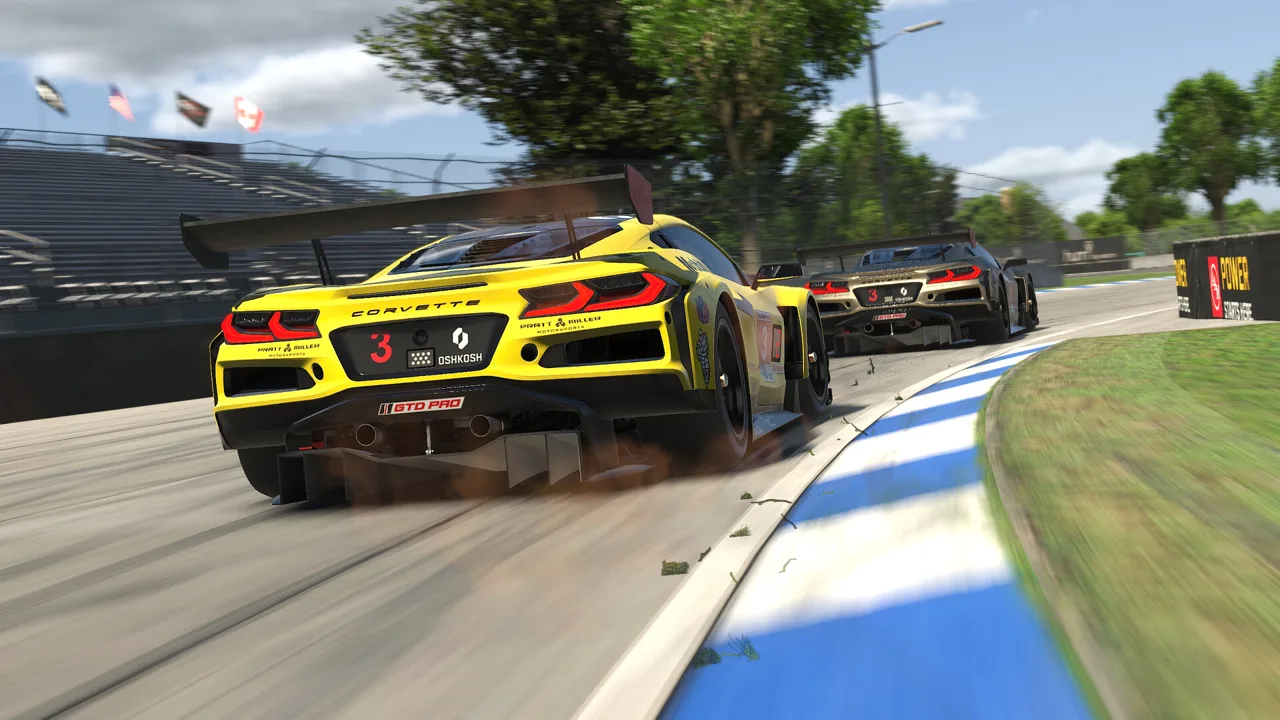
What Are the 2026 Black Friday Deals?
The iRacing Black Friday sale cuts new memberships by 40% and eligible renewals and reactivations by 30%, with offers running through December 2, 2026. Active members can add discounted time without losing the subscription time they already paid for. Pick the offer that matches your account before checking out, because new accounts, existing memberships, and Steam subscriptions have different eligibility rules.
You can access the offers through the iRacing Black Friday promotion page.
New Membership Prices
New members joining directly through iRacing can choose from four discounted subscription lengths.
| Subscription | Regular Price | Sale Price |
|---|---|---|
| 1 month | $14.75 | $8.85 |
| 3 months | $37.50 | $22.50 |
| 12 months | $124.50 | $74.70 |
| 24 months | $222.50 | $133.50 |
All prices are in USD, before applicable taxes. The full subscription price is charged at purchase; a monthly equivalent displayed beside a longer plan does not mean monthly installments.
Choose a shorter subscription if you want to try the service before committing to a longer term. Compare the full upfront totals before selecting a year or two years.
Renewal and Reactivation Prices
Active and expired direct accounts receive the same discounted prices for the eligible terms.
| Subscription Extension or Reactivation | Regular Price | Sale Price | Promo Code |
|---|---|---|---|
| 12 months | $124.50 | $87.15 | Copy the 12-month code from the promotion page |
| 24 months | $222.50 | $155.75 | Copy the 24-month code from the promotion page |
Each code can be used once per existing iRacing account. These offers apply to existing direct accounts and exclude Steam accounts and automatic renewals.
How to Redeem the Membership Discount
Select the checkout path for your account status. Existing members need to apply the renewal code manually.
 Image: Steam / iRacing.com Motorsport Simulations
Renew an Active Account
- Copy the renewal code for your chosen 12- or 24-month term from the promotion page.
- Open the membership renewal page on your PC and sign in.
- Select Yearly or Two-Year, matching your chosen code, then click Continue.
- Enter the code in Promotion / Gift Certificate Code.
- Click Apply, then Confirm.
- Select your payment method and enter your billing details.
- Confirm the discounted price before clicking Submit Payment.
Reactivate an Expired Account
- Copy the code for your chosen subscription length.
- Sign in to your existing iRacing account.
- Click Renew Subscription and sign in again when prompted.
- Select Yearly or Two-Year, then click Continue.
- Paste the code into Promotion / Gift Certificate Code, click Apply, and then Confirm.
- Complete your payment details, accept the terms if prompted, and submit payment after reviewing the total.
Use your existing account for reactivation. The new-member offer cannot renew an account you already have.
Create a New Account
Open the new membership signup page, select the promotional 1-, 3-, 12-, or 24-month plan, and complete registration and checkout.
The new-member promotion links apply to new direct accounts. They exclude Steam and Epic accounts and cannot be used to extend an existing membership.
How Early Renewal Adds Subscription Time
 Image: Steam / iRacing.com Motorsport Simulations
Renewing early adds time to the end of your current subscription. It does not replace the remaining term.
For example, if your membership expires on December 31, 2026, a qualifying 12-month early renewal extends it through December 31, 2027. You do not need to let an active subscription expire before using the offer.
Check your current expiration date before buying, then review the resulting date in your account after checkout. Choose the extension you intend to use, and remember that each promotional code has a one-use limit per existing account.
Steam Accounts, Auto-Renewal, and Checkout Costs
Steam accounts are excluded from the direct renewal and reactivation promotions. The direct new-member discount also excludes Steam and Epic accounts.
 Image: Steam / iRacing.com Motorsport Simulations
If you already subscribe through Steam, manage that subscription through Steam. Buying a separate direct account will not combine it with your existing Steam account; the two accounts cannot be merged.
Automatic renewal also needs attention. Creating or renewing a direct account enables auto-renewal, but the Black Friday renewal discount does not apply automatically. Complete a manual renewal with the promotional code to receive the sale price.
You can turn auto-renewal off without penalty in the account settings. Review that setting after your purchase if you prefer to manage future extensions yourself.
At checkout, check these details:
- Account eligibility: New signup, active direct account, or expired direct account.
- Subscription length: The selected term must match the renewal code.
- Discounted subtotal: Confirm the promotional price appears before payment.
- Taxes: Sales tax, VAT, or other applicable indirect taxes can increase the total.
For promotion problems, use iRacing support. If an existing-account code fails, check its spelling, selected term, account type, and whether you have already redeemed it.
What Your Discounted Membership Includes
The sale reduces the subscription cost. Additional paid cars and tracks remain a separate part of your racing budget.
Membership includes 29 tracks with over 85 configurations. The cars and tracks required for official rookie-class races are included, so you can start racing without immediately purchasing extra content.
Before subscribing, account for the platform and controls:
- PC platform: Windows.
- VR support: Optional virtual reality headsets are supported.
- Controller support: Partial controller support is available.
Check the PC system requirements before committing to a longer subscription. Start with the included rookie content, then review the car and track requirements of any series you want to enter before buying additional content.
Continue exploring
iRacing Steam Guide: Subscriptions, Setup, and Costs
Compare iRacing Steam and direct memberships, understand subscription costs and account limits, and get help with installation, renewals and update issues.
iRacing Update Loop: Fix Repeated Downloads on Steam
Fix the iRacing update loop with steps for repeated required updates, Steam content file locks, duplicate installs, and restarting the helper service.
Join the community
Official channels for news, updates and player help: