
iRacing Forum Guide: Find Help, Updates, and Setups
Use the iRacing forum to find setup advice, understand updates, troubleshoot issues, and connect with other drivers. Learn what to ask and where to go.
Jump to
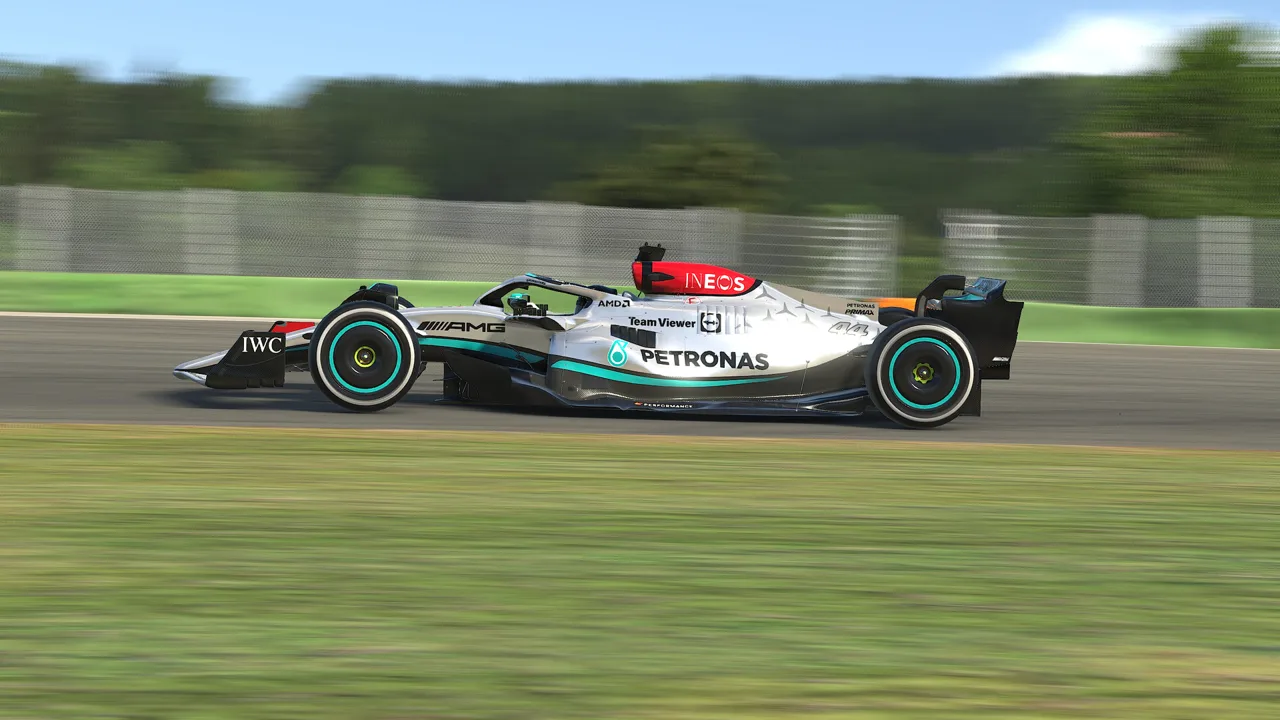
Where to Find the Official Member Community
A useful answer can get you back on track before another practice session slips away. Search the iRacing forum for the exact update or feature you need help with. Use the official iRacing website to reach membership information and support.
Keep your question focused on what you need to do next: fix an update loop, understand a changed setting, or stop spinning a particular car. That focus makes it easier to find a relevant discussion and gives other drivers something concrete to answer.
Search by Car, Setting, and Symptom
Broad searches such as “wheel problem” leave out the details that distinguish one issue from another. Use the exact car, device, or feature name alongside the symptom.
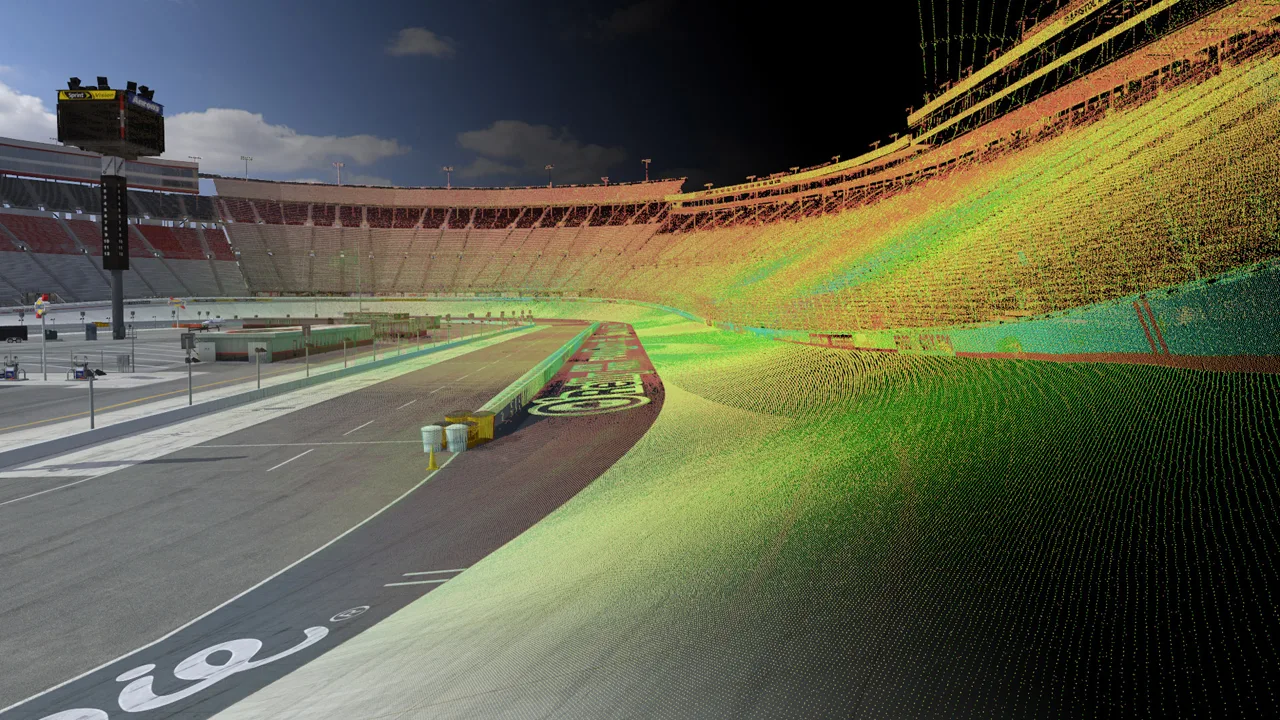 Image: Steam / iRacing.com Motorsport Simulations
Try searches shaped like these:
- Controls: your wheelbase model plus “force feedback stops.”
- Car behavior: “BMW M2 Racing (G87)” plus “rapid upshifts.”
- Interface: “Relative Widget” plus “overlapping.”
- Installation: the exact update name plus the error message.
- Practice: the car, track configuration, and fixed or open setup format.
Read the original question and the later replies before changing anything. A discussion can begin with a workaround and end with a patch that removes the need for it.
Match the date and build to your installation, too. iRacing introduced its rebuilt in-sim interface in 2025 Season 4, then expanded it throughout 2026. Instructions showing older menus can send you looking for controls that have moved.
Read Updates Before Troubleshooting
Check recent release information when something changes immediately after an update. Car physics, interface behavior, controller support, and race control all receive changes that can affect an otherwise familiar routine.
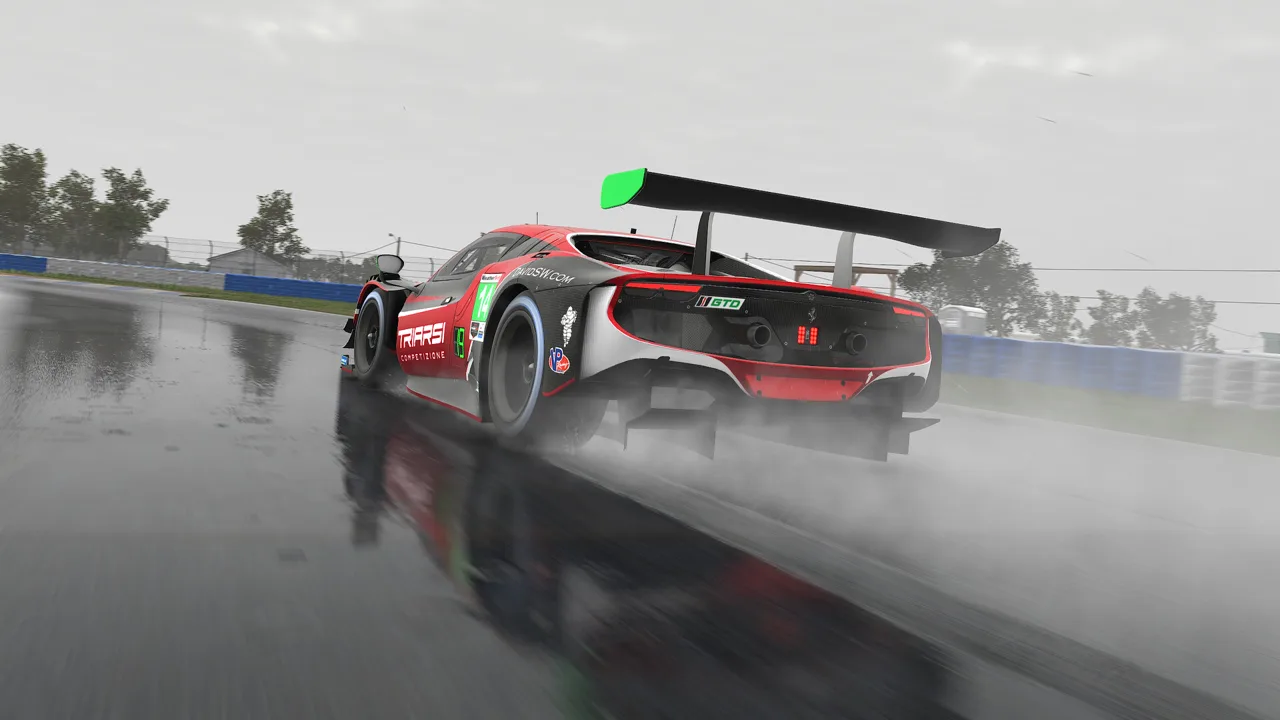 Image: Steam / iRacing.com Motorsport Simulations
These 2026 updates illustrate why the build matters:
| Update | Relevant change | Practical next step |
|---|---|---|
| 2026 Season 4 Release [2026.09.09.01] | F9 became a Quick Access panel, and Minimal UI mode was added. | Look for the current interface controls when following older black box instructions. |
| 2026 Season 4 Patch 1 [2026.10.01.01] | The Car Damage Widget became usable for all cars. | Check the widget when investigating damage after contact. |
| 2026 Season 4 Patch 2 [2026.11.02.01] | BMW M2 Racing (G87) drivetrain inertia changed to address rear-end locking after rapid successive upshifts. | Include your installed build when asking about this shifting behavior. |
Read beyond the headline when a feature affects race procedures. Multiple pace car multiclass starts, for example, were still undergoing rollout assessment in the November patch. Check the rules for the event you are entering before applying instructions from an earlier announcement.
For interface questions, use the dedicated Sim UI discussion area. Describe the specific widget or setting involved so the conversation stays focused.
Ask Questions Other Drivers Can Answer
Include the circumstances that let someone understand or reproduce your problem. “My brakes feel wrong” could describe calibration, pedal hardware, assistance settings, or driving technique.
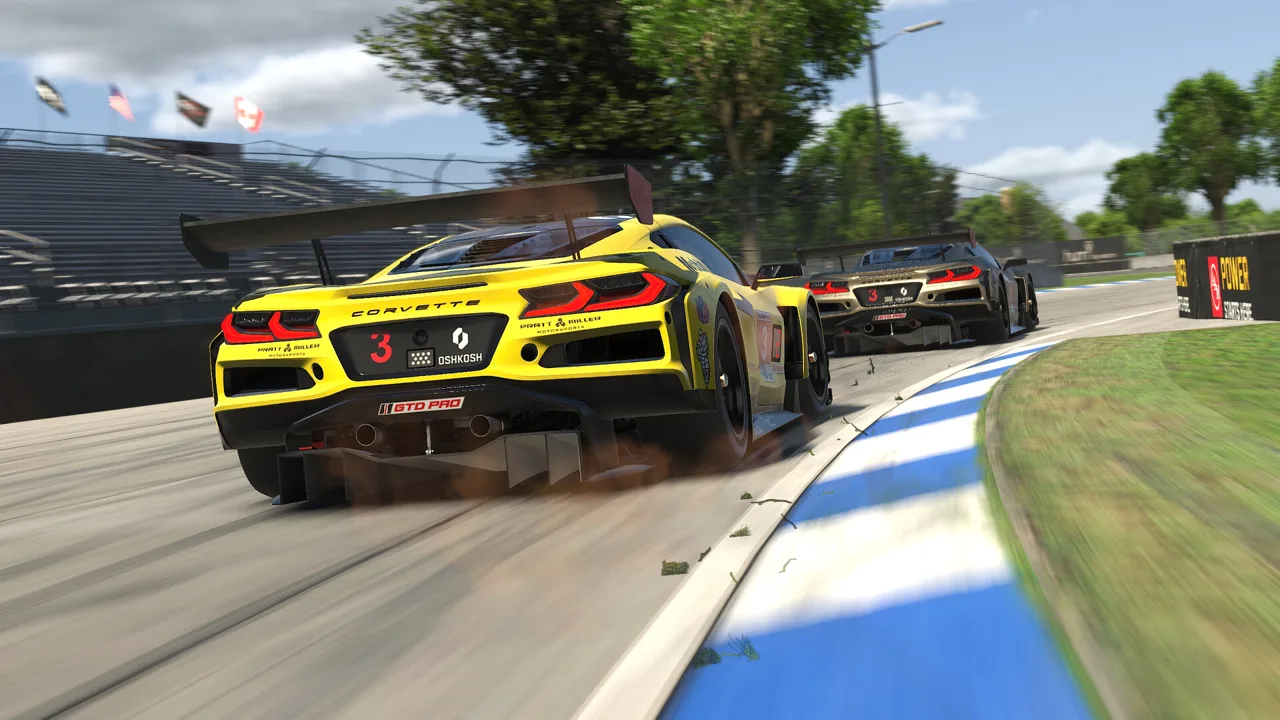 Image: Steam / iRacing.com Motorsport Simulations
For a technical question, provide:
- Your wheelbase, pedals, and display type.
- The car and track configuration involved.
- Whether the problem occurs in Test Drive, open practice, AI racing, or a race.
- The exact error message or visible behavior.
- The settings you changed and what happened afterward.
For performance problems, include your CPU, GPU, RAM, and whether you use a monitor setup or VR. A graphics suggestion for one display arrangement does not automatically address another.
Use a descriptive title such as “Brake input stays active after releasing pedal.” In the message, explain whether the input returns to zero during calibration and whether the behavior occurs in multiple cars.
When something fixes the issue, reply with the change that worked. That gives the next driver a usable answer without requiring them to repeat the whole conversation.
Make Setup and Driving Advice Specific
Separate hardware configuration from car setup and driving technique when asking for help. Each calls for different information.
If the wheel feels too heavy, include your wheelbase model and force feedback settings. Avoid copying another driver's numbers without accounting for their hardware. A high-torque direct drive base and an entry-level wheel have different capabilities.
If the car feels unstable, identify when it happens: braking in a straight line, releasing the brake into a corner, crossing a curb, or applying throttle on exit. Add the corner and track conditions when possible.
Check the event format before chasing setup changes. Fixed setup racing restricts garage adjustments, so an open setup solution can involve settings you cannot change in that session.
For lap-time questions, compare repeatable laps under similar conditions. Average race pace gives you a more useful practice target than a single fastest lap, which can benefit from drafting. Include the setup format and conditions with any comparison.
Use Test Drive to work through the advice, then open practice to experience traffic. AI racing also lets you practice starts and racing alongside other cars.
Find Racing Partners and Handle Account Problems
Use community discussions to find people interested in the same discipline, car, or event. iRacing supports leagues, hosted sessions, and team racing, including shared driving and spotting responsibilities.
When looking for a group, state your time zone, available racing times, preferred cars, and experience level. Ask about the schedule, required content, race format, and conduct expectations before committing.
For account and payment problems, go through the appropriate support channel. Steam subscriptions and subscriptions purchased directly through iRacing have different purchase flows; identify which one you use before following renewal advice.
Keep passwords, billing information, and account recovery details out of public messages. Describe the error publicly if you need help understanding it, then provide private account details only through support.
For content purchases, plan around the series you actually want to race. Membership includes cars and tracks. Use that content while learning, then check the schedule before buying additional tracks.
Continue exploring
iRacing Steam Guide: Subscriptions, Setup, and Costs
Compare iRacing Steam and direct memberships, understand subscription costs and account limits, and get help with installation, renewals and update issues.
iRacing Update Loop: Fix Repeated Downloads on Steam
Fix the iRacing update loop with steps for repeated required updates, Steam content file locks, duplicate installs, and restarting the helper service.
Join the community
Official channels for news, updates and player help: